Physical Address
304 North Cardinal St.
Dorchester Center, MA 02124
Physical Address
304 North Cardinal St.
Dorchester Center, MA 02124

Published: September 25, 2026 | Category: SEO, Search News
On September 24th, Google made a change to Search Console that most SEO teams are are about to discover traffic they never knew existed.
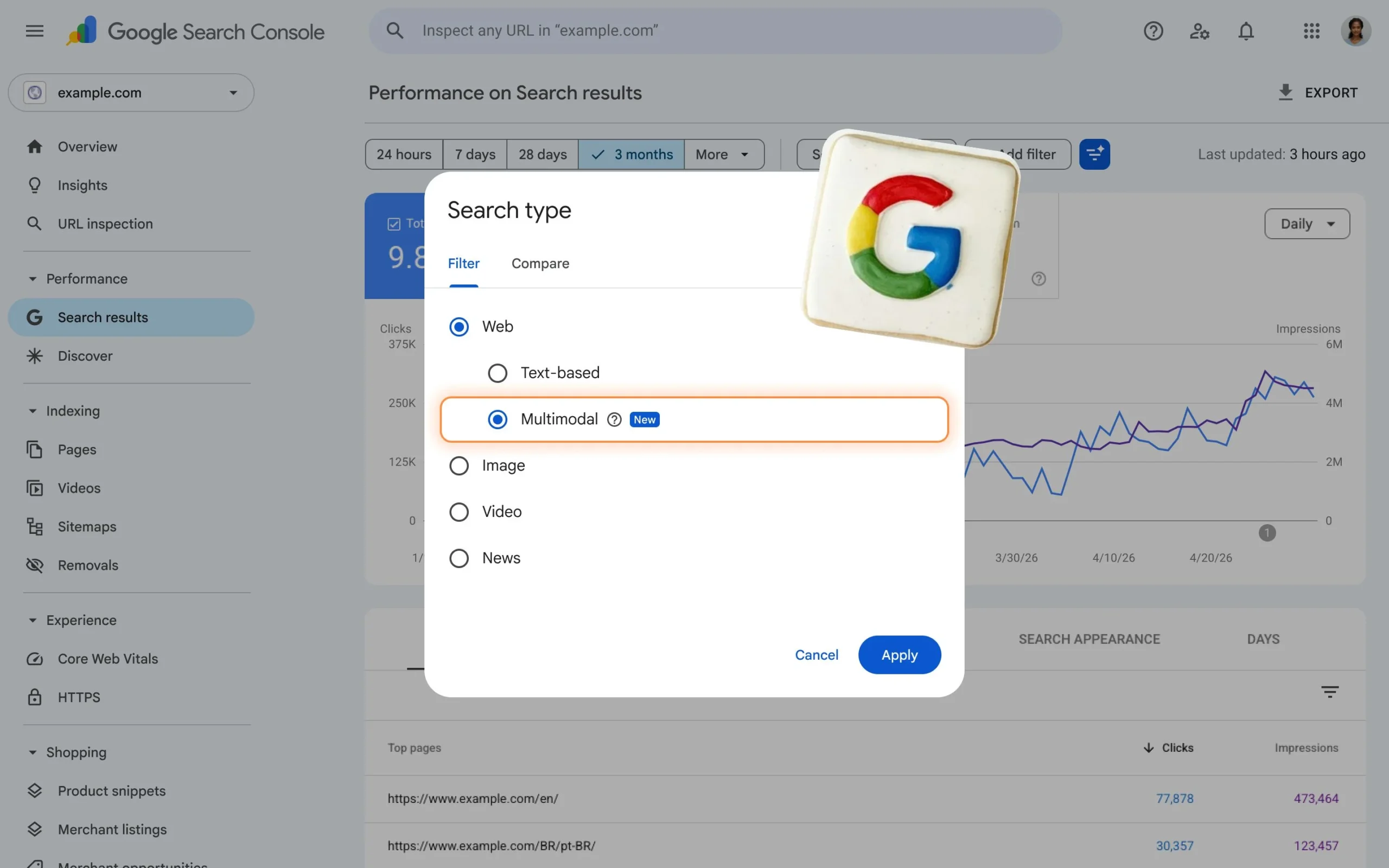
Google introduced Search Console reporting for web multimodal search, available in both the report for performance on Search results and the report for Generative AI features. The update is designed to give site owners insights into how their content is surfaced when users search using images; including searches with Google Lens, Circle to Search on Android, image uploads to Google Search, and the Chrome right-click “Search this image” feature.
In plain English: every time someone pointed their phone camera at a product and Google served your page, every time someone right-clicked a screenshot and hit “Search this image,” every time someone uploaded a photo to Google Search and your site appeared in the results, that traffic has been happening. You just had no way to measure it.
Now you do.
Here’s everything you need to know, what it means strategically, and what to do with it this week.
Start with the definition because “multimodal” is one of those terms that sounds technical but describes something your customers are doing every single day.
When we talk about multimodal search, we refer to those modes in which the user does not exclusively use a word or phrase typed into the Google box, but also provides visual content. If the traditional mode follows the path user → keyword → results → site, the multimodal one adds a new possibility: user → image → Google interpretation → results → site.
Think about what that looks like in practice:
All of these are visual-first, image-led queries. And all of them have been generating traffic to websites without those websites having any way to track or measure it.
Google split Web in the Search Console Performance report into ‘text-based’ and ‘multimodal’ on September 24, 2026. Web: multimodal includes web search results where an image was used as part of the search.
That split is the key move. Previously, if multimodal search traffic was landing on your site at all, it was lumped into the general “Web” category with no way to distinguish it. Now it has its own filter, its own data, and its own performance story.
Before you jump into Search Console and start drawing conclusions, understand exactly what data exists and what’s missing.
The filter combines traffic from Google Lens, Circle to Search on Android, image uploads to Google Search, and Chrome’s right-click image search under a single multimodal search type, offering an aggregate view of visual search behaviour rather than separate filters for each named entry point.
So in practical terms, you can see:
That last point is significant. Unlike the AI impression reports Google rolled out in August, multimodal search reporting includes clicks. You can see not just that your page appeared, but whether the visual searcher actually clicked through.
The one gap: Query data for multimodal searches is not available because multimodal searches mostly use images rather than text, so specific text query data isn’t available for this traffic.
You won’t see search query strings for this traffic. The user searched with a picture, not words; there’s no keyword to report. This is a genuine limitation, not a reporting error. It changes how you interpret the data: instead of optimizing for specific queries, you’re optimizing for the visual context and intent behind image searches.
Sign in to Google Search Console and choose the property you want to inspect. In the left menu, open Performance > Search results. Choose Web: multimodal and apply the filter. Set a date range that includes available multimodal data – the rollout began globally on September 24, so data is currently available starting from September 10th.
The key navigation path: Performance → Search results → Search type filter → Web: multimodal.
The filter also appears in a second location: Return to the left menu and open Performance > Generative AI. Set Search type to Web: multimodal.
This second location is significant. It means multimodal searches that surface your content inside AI Overviews or AI Mode are tracked separately from multimodal searches that surface standard web results. You can see how visual queries are interacting with both the traditional organic results and the AI-driven results simultaneously.
Google explicitly supports exporting the new multimodal data, click Export to download it for analysis in your other tools.
Pull it into your existing performance dashboards. Don’t leave it siloed in Search Console.
This is the most important frame for understanding the announcement. Google isn’t telling you about a future traffic channel. It’s telling you about an existing one that’s been invisible in your reports.
This update is particularly interesting for sites that make extensive use of visual content and represents a further signal of how the use of Google is becoming less tied to text alone.
The implication for site owners: if your site sells products, has visual content, covers topics people photograph and identify in the real world, or operates in any category where images are central to how people discover things, you almost certainly have multimodal traffic arriving right now. The question is how much, from which pages, and whether you’re set up to convert it.
The data reported includes searches with Lens, Circle to Search on Android, image uploads to Google Search, and the Chrome right-click “Search this image” feature and it’s available in both the report for performance on Search results and in the report for Generative AI features.
The fact that multimodal data appears in both reports tells you something important about how Google sees visual search. It’s not a separate search mode, it’s a modality that can trigger any type of Google result, including AI-generated ones. A person who points their camera at a product may get an AI Overview, a standard web result, a Shopping result, or all three. Your pages can appear in any of those surfaces from a single visual query.
Every SEO has had the experience of seeing a page rank and drive traffic with no clear keyword story. The page isn’t ranking for identifiable queries in the standard Performance report. The traffic exists but can’t be attributed to any obvious source.
For some of those pages, particularly product pages, recipe pages, how-to pages with strong visual content, and location-specific pages, the answer may have been multimodal search the whole time. The filter gives you a mechanism to test that hypothesis directly.
One important flag before you start making decisions from this data.
Google released its September 2026 spam update on the same day 24 September – so movement in search data this week has more than one possible cause.
If you’re seeing unusual fluctuations in your standard Performance report data this week, don’t automatically attribute them to multimodal search changes. The spam update is also rolling out. Check your overall organic trend alongside your multimodal-specific data and be careful about drawing causal conclusions from volatile week-one numbers.
Set a 28-day window as your minimum analysis period before making any content or strategy decisions based on multimodal data.
E-commerce and product pages. If people are using Lens to photograph products and shop them, your product pages are the destination. Understanding which ones are being found via visual search vs. text search changes how you priorities image quality, alt text, and structured data.
Food, recipe, and lifestyle content. Google Lens usage is disproportionately high for food and lifestyle categories. People photograph meals, interiors, outfits. If you publish in these categories, multimodal is likely a meaningful traffic source.
Home, furniture, and décor. Circle to Search and Lens are heavily used by shoppers who see something in a room they want to identify and buy. Any site selling or covering home products should treat this report as high priority.
Travel and local. People photograph landmarks, menus, signs, and storefronts and search them. Tourism and local business content can appear in these results.
Technical and how-to content. People photograph error messages, broken parts, unfamiliar devices. If your how-to content covers visual problems and solutions, you may be getting more visual search traffic than you realise.
Understanding how users find your content is crucial for any publisher or site owner. As Search evolves to include more visual and multimodal experiences, having the data to analyses performance in these new modalities is now possible and the integration of multimodal search data is rolling out globally starting September 24th.
The shift from text-only search to visual, multimodal, and AI-driven search has been happening for years. Google Lens processes billions of queries. Circle to Search is embedded in Android devices. Chrome’s image search is available on every desktop.
All of that has been landing on websites without site owners having any way to measure it. That ends today.
The marketers who move on this data, who understand which of their pages are winning in visual search, which are underperforming, and what the gap looks like may have a measurable advantage over everyone who’s still optimizing for a text-only world.
Sources:
If You liked our content or found it helpful, Comment Below! Or Just Share your valuable reviews here.
Get practical insights on AI, SEO, marketing strategy, and emerging technology, we cut the noise so you enjoy true content







Leave a Reply